

 Chloe Pugh
Key Takeaways
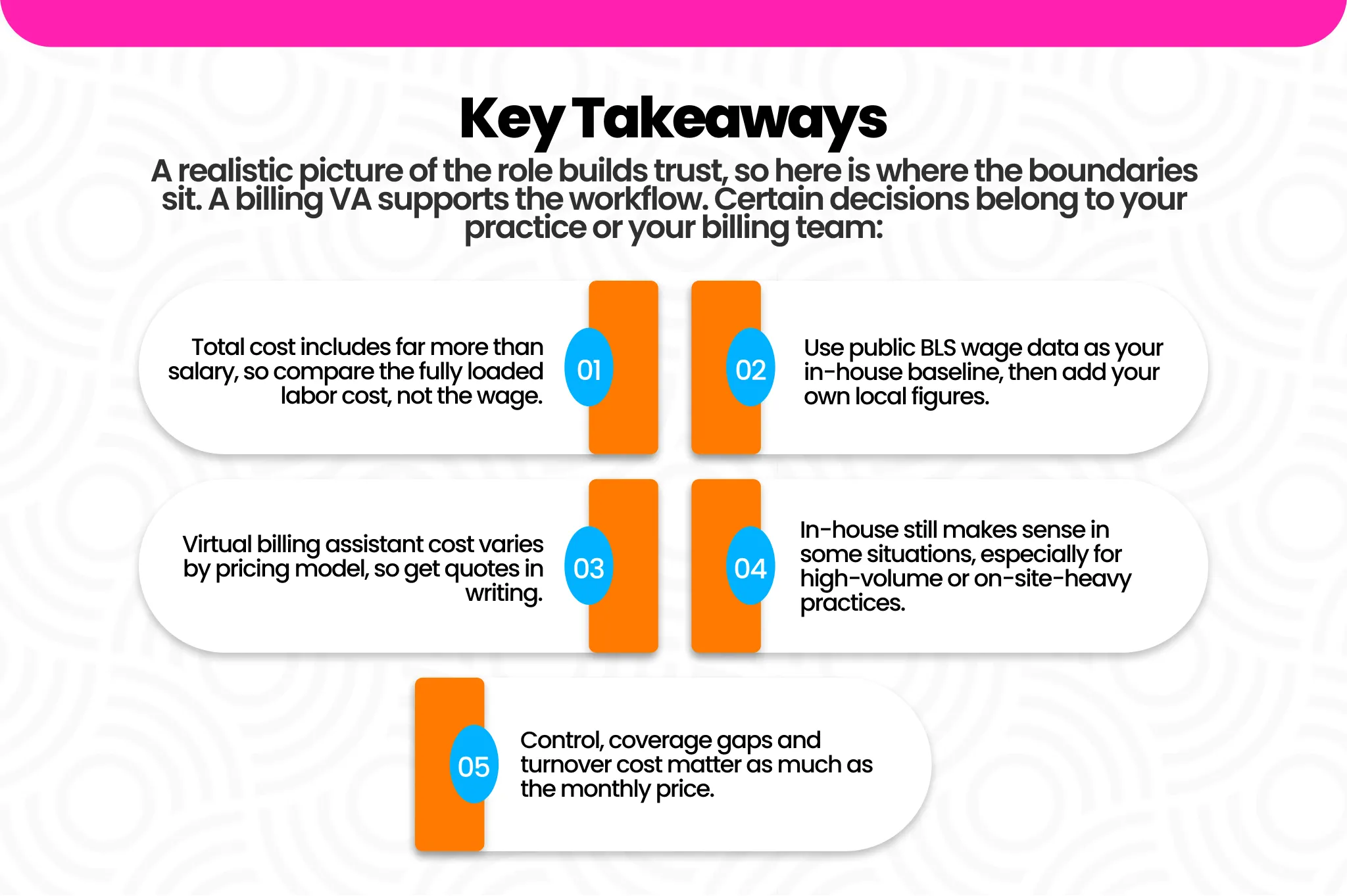
- Total cost includes far more than salary: so compare the fully loaded labor cost, not the wage.
- Use public BLS wage data as your in-house baseline: then add your own local figures.
- Virtual billing assistant cost: varies by pricing model, so get quotes in writing.
- In-house still makes sense: in some situations, especially for high-volume or on-site-heavy practices.
- Control, coverage gaps: and turnover cost matter as much as the monthly price.
The short answer is that it depends on three things: how many claims you handle, how steady that workload is, and how much hands-on control you need over the process. For many small and mid-size practices, a remote assistant costs less than a full-time hire once every expense is counted. For others, a dedicated on-site biller is worth the premium.
This guide treats in-house medical billing vs virtual billing assistant as a medical billing cost comparison you can complete with your own numbers.
What an In-House Biller Really Costs
Start with the wage. The U.S. Bureau of Labor Statistics does not track “medical biller” as its own category. The closest match is medical records specialists, whose median annual wage was $51,140 in May 2025. Treat that as a national anchor, not your local rate. Pay in major metro areas can run well above it.
The cost of in-house medical biller work goes well beyond that number. Here are the line items to price:
- Wage or salary: the base pay you offer, including any overtime.
- Benefits and payroll tax: health insurance, paid leave, retirement contributions and employer taxes. BLS data shows benefits made up about 30 percent of total private-industry compensation costs in June 2026.
- Training and onboarding: weeks of reduced output while a new hire learns your payers and systems.
- Software seat and equipment: a billing system license, a computer, and security tools.
- Workspace and overhead: desk space, utilities and supplies.
- Turnover cost: recruiting, retraining and the claims that slip while a seat is empty.
Here is a quick estimate. If wages are roughly 70 percent of total compensation, a $51,140 wage implies about $73,000 in fully loaded labor cost before training, software, workspace and turnover. That is a derived estimate based on national averages, not a quote. Your real figure could be higher or lower.
What a Virtual Billing Assistant Costs
A virtual medical biller salary isn’t something you pay directly. The provider employs the assistant, so the rate you pay covers wages, payroll tax, equipment and supervision. Pricing generally follows one of these models:
- Hourly: you pay for the hours used, which suits uneven workloads.
- Monthly dedicated: a set number of hours each month for a consistent assistant.
- Part-time or block hours: a fixed bundle for a small practice that doesn’t need full-time help.
- Per-task: a fee for defined work, such as claim status follow-up.
That rate doesn’t make the practice’s own costs disappear. You still pay for software access, a signed business associate agreement, and the internal time spent reviewing the work. Ask every provider for written pricing and a clear list of what is and isn’t included.
Scope matters too. A virtual assistant supports your billing workflow, with tasks such as eligibility checks, claim status follow-up and patient balance reminders. Coding sign-off, claim submission and balance adjustments remain decisions for your practice or billing team. For a plain-English definition of the role, readWhat Is a Medical Billing Virtual Assistant?. For front-office support, see theMedical Virtual Assistant page, and for accounts receivable follow-up, see theCollections Virtual Assistant page.
Side-by-Side Cost Framework
Use this table to outsource medical billing vs in-house with your own figures. Fill in the last column, then compare totals.
|
Cost line |
In-house biller |
Virtual billing assistant |
|
Wage or hourly rate |
Salary you set |
Provider’s rate |
|
Benefits and payroll tax |
Roughly 30% of total compensation (estimate) |
Included in the rate |
|
Training and onboarding |
Paid learning time |
Usually lighter, confirm with provider |
|
Software seat and equipment |
You buy and maintain |
Software access only |
|
Workspace and overhead |
Desk, utilities, supplies |
None |
|
Turnover and rehiring |
Recruiting and retraining |
Provider handles replacement |
|
Supervision time |
Manager or owner hours |
Manager or owner hours |
|
Coverage for leave |
Gap or temp cost |
Backup depends on the plan |
Two rows deserve extra attention: turnover and coverage. They are the costs practices most often forget, and they are the easiest to underestimate in a spreadsheet.
Beyond Cost: Control, Coverage, Security and Scalability
The cheaper option on paper isn’t always the better one. Compare the operational trade-offs too.
|
Factor |
In-house biller |
Virtual billing assistant |
|
Control |
Pro: direct supervision and quick questions. Con: depends on one person’s habits. |
Pro: defined tasks and reporting. Con: needs clear written processes. |
|
Coverage |
Pro: on-site during office hours. Con: coverage gaps during leave or sick days. |
Pro: provider can arrange backup. Con: time zone overlap needs confirming. |
|
Security |
Pro: access stays inside your walls. Con: still needs access controls and training. |
Pro: access can be limited by role. Con: requires a BAA and vetting. |
|
Scalability |
Pro: strong institutional knowledge. Con: slow and costly to add capacity. |
Pro: hours can be adjusted as volume changes. Con: less familiarity with your office culture at first. |
If denial rates and aging accounts are your bigger worry,How a Virtual Assistant for Medical Billing Can Reduce Claim Denials and Speed Up Revenue Cycle explains where an assistant fits in that workflow.
When In-House Makes More Sense
An in-house biller is often the better choice when claim volume is high and steady enough to keep a full-time employee busy every day. It also helps when your work depends on physical paperwork, in-person patient conversations or constant hallway questions with providers. Practices with complex payer contracts may value having one trained person who knows every exception by heart.
Control is the other big reason. If you want one employee who sits down the hall and answers to you directly, no outside arrangement fully replicates that. The trade-off is that you carry the full risk of absence, resignation and training time.
When a Virtual Billing Assistant Makes More Sense
A remote assistant tends to win when your workload is uneven, your practice is small, or you can’t justify a full-time salary and benefits package. It also works well when you need quick coverage during leave, a busy season or a staffing gap. Because the provider handles hiring, equipment and replacement, your team spends less time managing the seat and more time on patients.
It suits practices that already have documented billing steps. If your process lives only in one person’s head, write it down first. A new assistant, remote or not, can only follow the instructions you give.
Hybrid Model: In-House Lead + VA Support
You don’t have to choose one side. Many practices keep a billing lead on staff to handle coding decisions, claim submission and payer escalations, then add a virtual assistant for repeatable follow-up work such as claim status checks and patient balance reminders. This keeps authority and institutional knowledge in-house while the assistant absorbs volume.
The hybrid model also softens the cost problem. You avoid hiring a second full-time employee, and you get a trained backup when your lead is out. The key is a shared checklist so both people know who owns each step.
If you want to see how this could look for your practice, explore theMedical Virtual Assistant andCollections Virtual Assistant options at Virtual Mojoe, then bring your completed cost table to the conversation.
Ready to Run Your Own Numbers?
Complete the cost table above, then compare it with a written quote. If a virtual assistant looks like the better fit, the team atVirtual Mojoe can help you scope the right level of support.
Frequently Asked Questions
1. Can I use a VA alongside my in-house biller?
2. How do I keep control over billing with a remote VA?
3. What hidden costs come with in-house billing?
4. Is a VA cheaper than a full billing company?
5. How do I keep PHI secure with a remote assistant?
AI Summarize